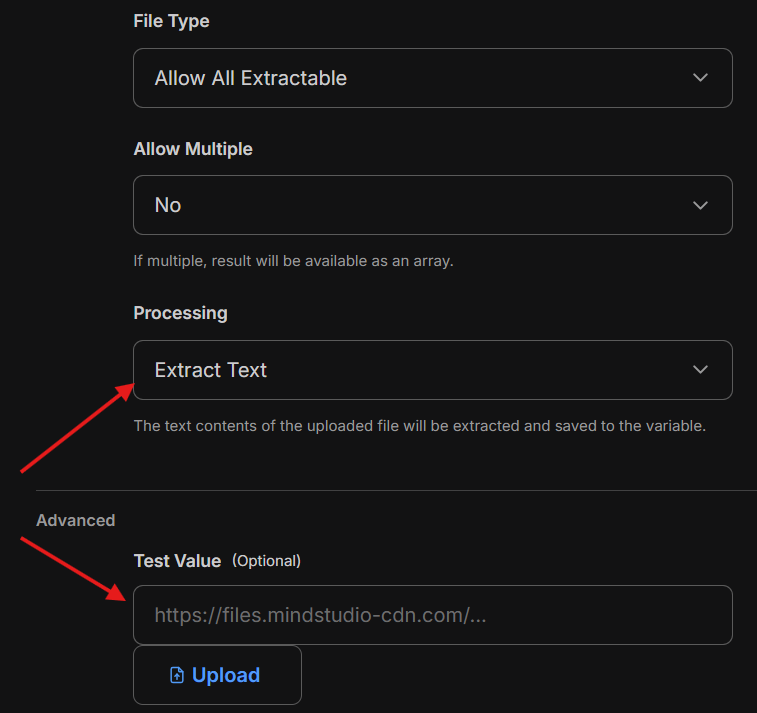
- What problem does this feature request solve?
Ideally there should be a way to treat uploaded PDF as a variable, since the impression given it is possible. As I understood behind the scenes PDF uploaded to MindStudio cloud and represented as a link.

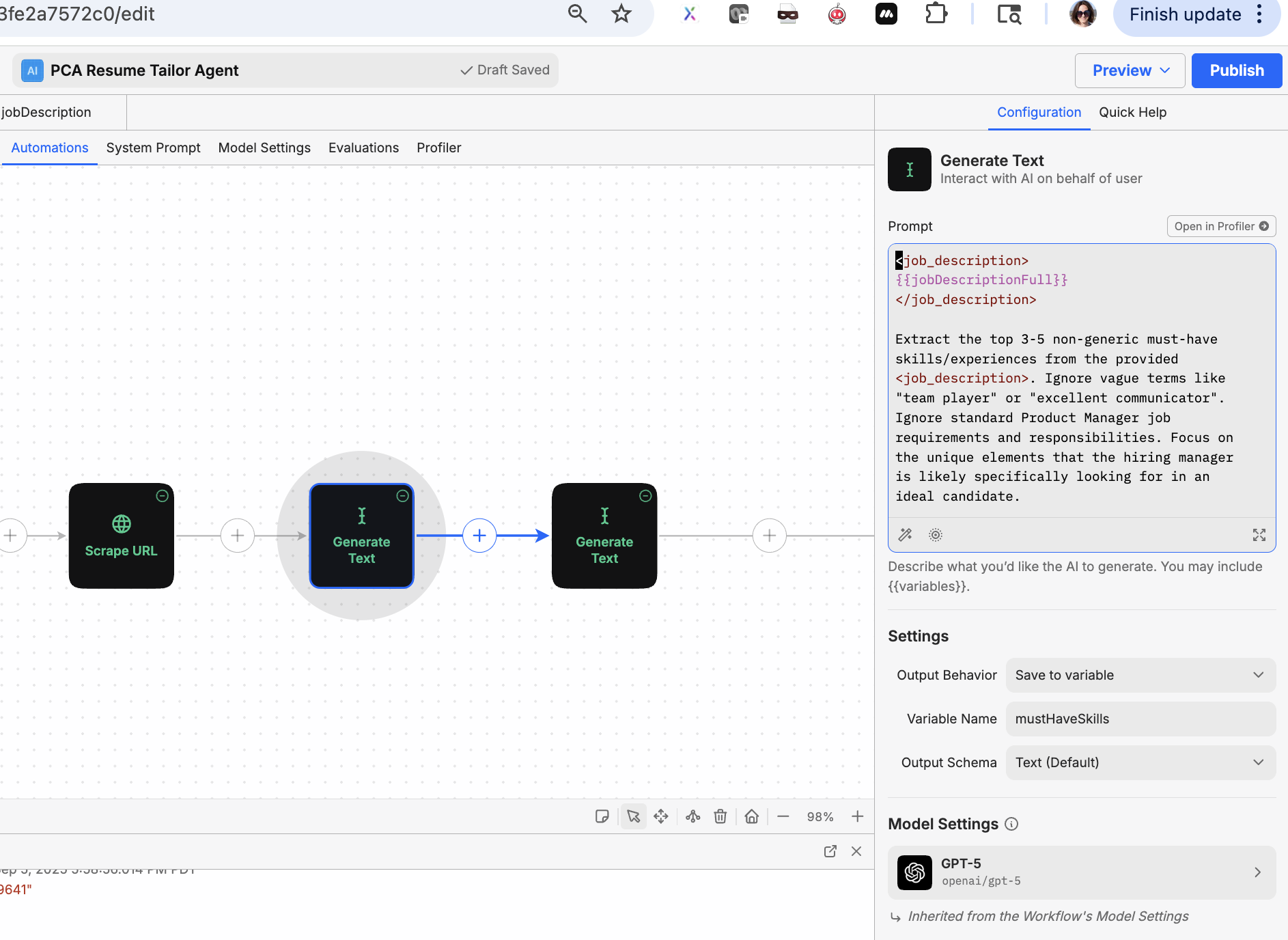
When you run it, it admits that it cannot read external links
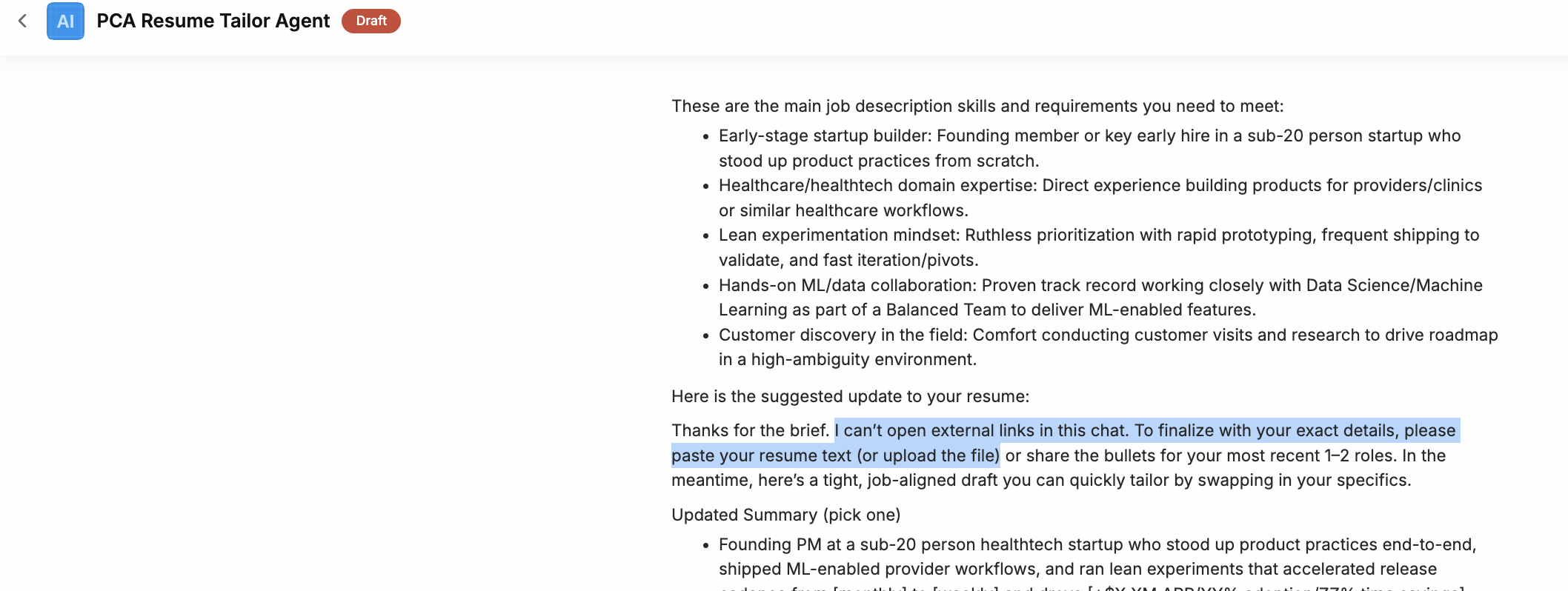
Based on OpenAI api you can submit files similarly to GUI chat. I do understand it might be not the best from privacy perspective, so maybe a choice can be given to a user.
- What is the use case for this feature?
Use Case:
Agent to update portion for resume based on the 2-3 main features hiring managers are looking for based on the job description. Input - PDF resume, output either text or PDF
- Please describe the functionality of this feature request.
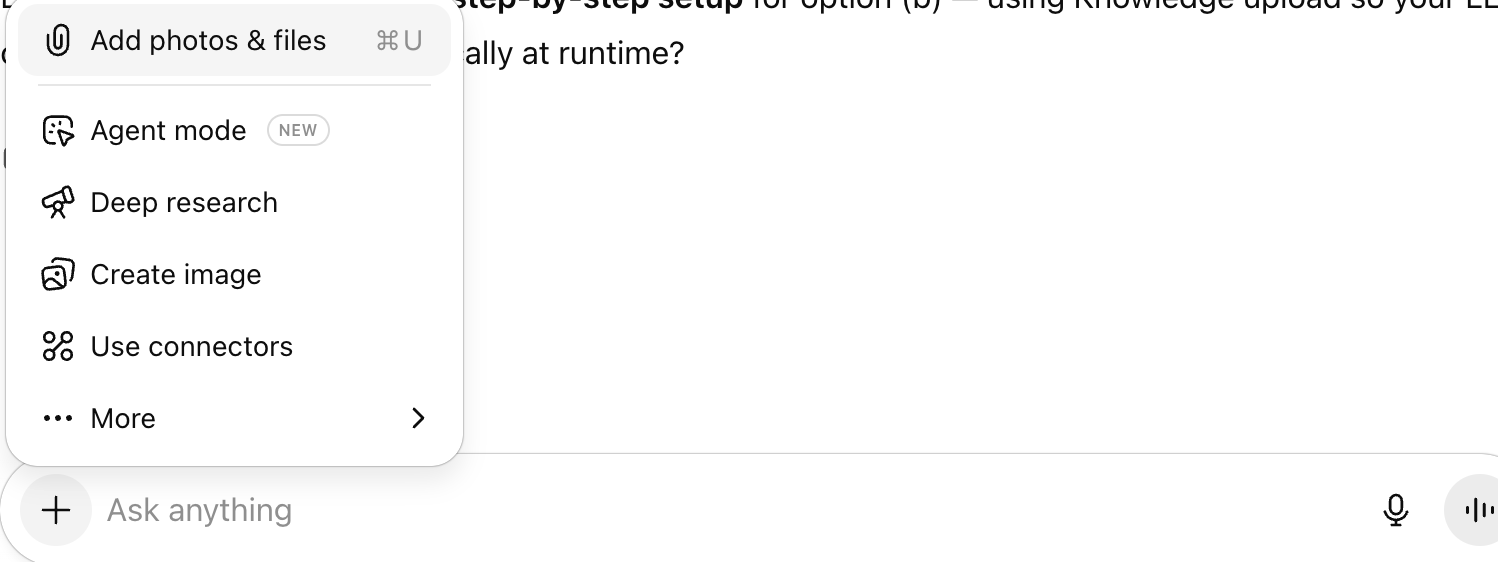
The functionality of this feature would be similar to uploading files to all LLMs chats, when you type in request and as a supplementary data upload the file.
E.g. screenshot from ChatGPT
- Is there anything else we should know?
Feel free to cancel this request if there are some privacy, security concerns or if there is some alternative way to achieve the desired result.