Alex, thank you for the follow up. I used my State Law Researcher agent today on my work computer, no issues (worked flawlessly). As an FYI, in the past when it would get stuck, my “fix” was to refresh my browser (Edge) and then it would move to the next step.
However, I built a new agent, Niche Explorer Pro (using MindStudio Architect v2). It took some “adjustments” with the blocks as it would become stuck (running), but it now runs to the end. However, the Report PDF contents are (mostly) empty.
Attached are screenshots and the Report. If needed, I can run it again and use the screen recorder.
Please advise. Thanks, John
(Attachment Report.pdf is missing)
(attachments)
Hi @blueskytraveler,
It sounds like the Generate Asset block might be misconfigured since it isn’t catching the data from the variables.
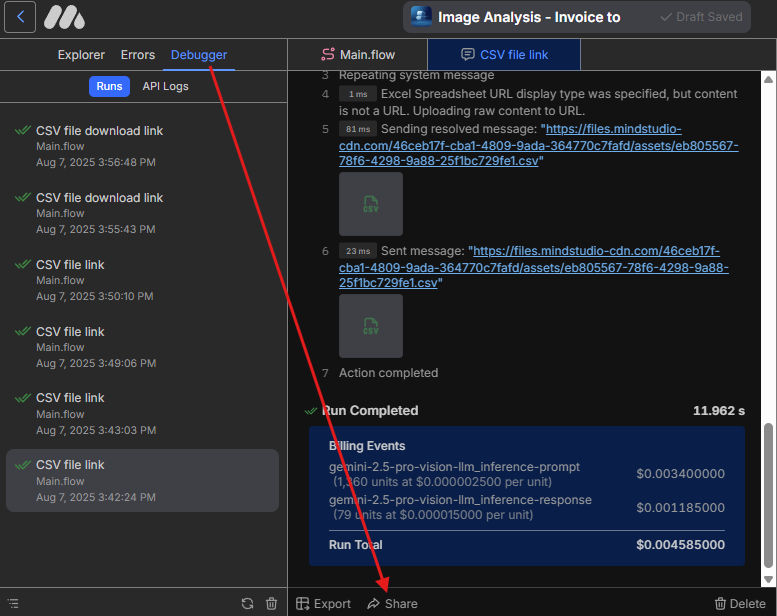
Could you share the Debugger logs for the run? To do that, open the Debugger, select the run, click Share, and reply with the URL:
Please make sure there’s no sensitive information in that run, as the shared log will be public.
Also, we’ve just updated the block so you can vibe-code a template for the output. It will also catch all the variables, which should help fix this issue. Here’s a walkthrough:
Alex, thank you very much! Here is the link/URL
https://app.mindstudio.ai/share/public/asset/6Kvuo5YzrNgSOl1V5ZGcxy
Appreciated. John aka/BlueSkyTraveler
Hi @blueskytraveler,
Here’s what’s happening in your Agent:
The Final Recommendation block doesn’t have a JSON Output example specified, so it’s saving plain text instead of a JSON array to the variable {{recommendedNiche}}
HTML in the Generate Asset block is expecting a JSON array and is trying to pull values using syntax like {{recommendedNiche.description}}. Since the variable only contains text, those values can’t be extracted.
Make sure you specify a JSON array in the Final Recommendation block so the report populates correctly.