Thank you very much for the quick help. But as I already mentioned in my previous message, the requests to the email trigger are not appearing in the runs.
When I send an email to a workflow, it does not show up in the runs.
I have already compared the email addresses. I use this daily. And it also affects several workflows.
I have no explanation for why the workflows suddenly all stopped being triggered by an email, and why this is not displayed in the runs either.
Hi @mefrankyt, this should be resolved now. We recently released the ability to set fully custom email addresses to trigger workflows (You can configure this by pressing “Edit” next to the email address in the Start block’s configuration screen). As part of that update, a bug was introduced causing the trigger to fail when the name of the workflow contained a hyphen or underscore, like yours did. Apologies!
Thank you very much for the quick help and for fixing the bug.
By the way, the email address with the hyphen was generated automatically. Therefore, I suspect that this bug should occur for many users.
I just tested a workflow again. However, the bug still doesn’t seem to be fixed.
Since it still wasn’t working, I have now edited the email address. This also has the advantage that I can remember it more easily. It is now without a hyphen and works again this way.
unfortunately, my message yesterday was premature. I tested one workflow yesterday after editing the email address, and it worked.
However, today it no longer works. I tested all workflows and sent emails to the new address. None of the workflows function. All email addresses contain neither hyphens nor underscores.
But it still doesn’t work. By the way, an email is automatically generated that can be used to trigger the draft. This email address is automatically generated with “-draft,” so it also contains a hyphen, which cannot be changed.
But I tested all workflows in published mode. Unfortunately, it still doesn’t work.
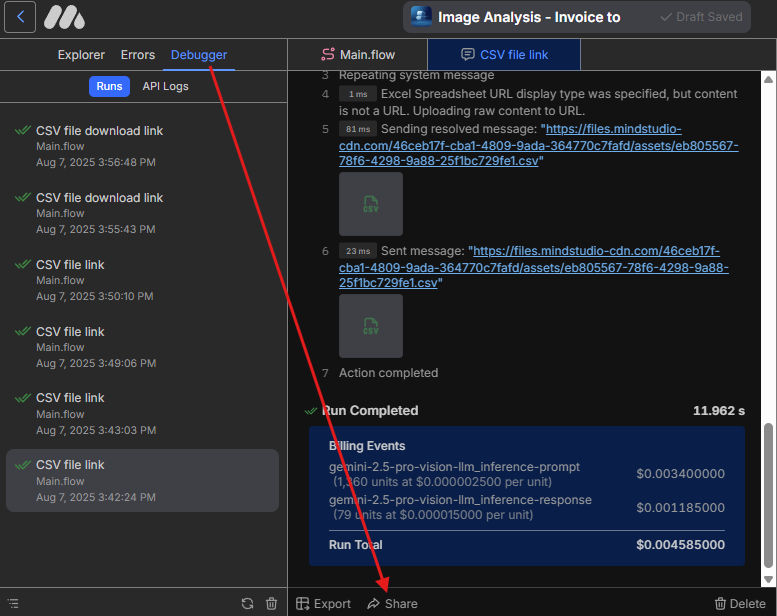
Could you record the steps you’re taking, from copying the email address to checking the Debugger tab when no new runs appear within a couple of minutes? You can use this link to record:
Please make sure to click the Publish button before copying the email address.
@mefrankyt The original bug was with hyphens in the names of the workflows, not emails. Please take a look at Alex’s instructions to record what is happening for us to investigate, as I can confirm there are currently no known issues with the email triggers.
Thank you very much for your help and efforts! Due to the workload at the end of the year, I wasn’t able to continue dealing with this issue. I have now taken another look at it and tested everything. And behold: it’s working smoothly again. Many thanks for resolving the problems!